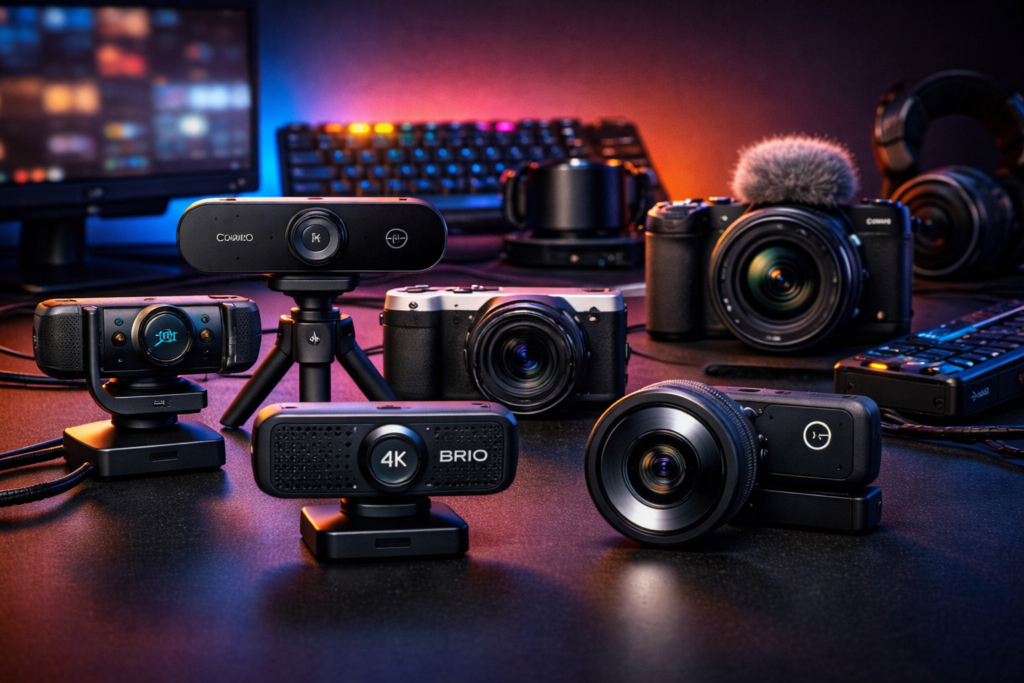
A streaming camera is no longer a secondary element. In 2026, viewers expect a sharp image, natural colors, and stable video without stutter. At the same time, not every streamer needs an expensive professional camera. What matters more is understanding which streaming cameras truly deliver real value and which only look good on paper.
Choosing a camera is always tied to content format, recording conditions, and audience expectations. That’s why a top models list is not about the most expensive options, but about solutions tailored to different needs.
Why the Camera Affects Stream Perception More Than You Think
Viewers rarely analyze technical specs, but they instantly feel image quality. Blurry video, poor color reproduction, or constantly hunting autofocus creates a cheap impression—even if the stream itself is engaging.
A good camera makes a stream visually clean. The face looks natural, movements are smooth, and the image doesn’t distract from communication. That’s why upgrading the camera often comes right after improving audio.
Webcams as the Best Starting Point for Streamers
Logitech C920 / C922
These models have long been considered streaming classics. They deliver stable Full HD video, perform well with basic lighting, and require minimal setup.
Why streamers choose them:
- easy plug-and-play connection
- predictable autofocus behavior
- excellent compatibility with streaming software
A reliable option for talk streams, podcasts, and beginner channels.
Logitech Brio
Brio is a step above standard webcams. It supports higher resolution and handles contrast and lighting more effectively.
It’s often chosen by streamers who need:
- sharper image quality
- wider field of view
- clean visuals with good lighting
Without proper lighting, its full potential won’t be fully unlocked.
Streaming Cameras Focused on Image Quality
Elgato Facecam
This camera was designed specifically for streamers. It has no built-in microphone or unnecessary features—everything is focused on image quality.
Why streamers value it:
- high level of detail
- stable autofocus
- manual controls via dedicated software
Elgato Facecam is ideal for those who want the cleanest possible image without switching to mirrorless cameras.
Razer Kiyo Pro
A model optimized for challenging lighting conditions. It performs better than many webcams in low-light environments.
It’s often chosen by streamers who:
- stream in the evening or at night
- don’t use strong studio lighting
- want a more cinematic look
With proper settings, Kiyo Pro delivers very pleasing visuals for talk-based streams.
Mirrorless Cameras as the Next Level of Streaming
When webcams no longer meet expectations, streamers often move to mirrorless cameras. This is a noticeable jump in quality, but also in setup complexity.
Sony ZV-E10
One of the most popular cameras among streamers and content creators. It delivers sharp, vibrant video and works especially well for static studio streams.
Pros:
- professional depth and image quality
- excellent autofocus
- high level of customization
Cons include higher cost and the need for a capture card.
Canon EOS R50
A compact and relatively affordable mirrorless camera often chosen for streaming.
It’s a great option for streamers who care about:
- natural skin tones
- stable on-camera performance
- using the camera beyond streaming
A solid balance between quality and convenience.
Why an Expensive Camera Isn’t Always the Best Choice
A common mistake is buying a high-end camera without considering recording conditions. Poor lighting, the wrong lens, or incorrect settings can result in worse video than a basic webcam.
Streaming cameras perform well only when:
- basic lighting is present
- the camera is positioned correctly
- the streamer understands basic settings
How to Choose a Camera Based on Stream Format
For talk-based streams, a good webcam is often more than enough—simple, reliable, and effective.
For podcasts, interviews, and brand-focused streams, cameras with manual controls and deeper image quality work better.
For gaming streams, the camera is less critical, but stability and autofocus still matter—especially with movement on camera.
The Camera as Part of the Overall Stream Setup
A camera is just one part of the visual setup. It works together with lighting, framing, and stream settings. Sometimes adjusting lighting or camera angle delivers better results than upgrading hardware.
That’s why experienced streamers optimize their environment first, then upgrade equipment.
What Viewers Notice First
Viewers may not know the camera model, but they instantly notice:
- blurry image
- unstable autofocus
- incorrect white balance
A good camera doesn’t draw attention—it simply makes the image comfortable and natural.
Why Camera Choice Affects Channel Growth
In 2026, visual quality has become part of trust. Clean, stable video improves retention and makes streams more enjoyable to watch for longer periods.
A camera won’t replace charisma, but it strengthens the overall impression. Choosing the right camera is an investment in how your channel is perceived—not just in image quality.