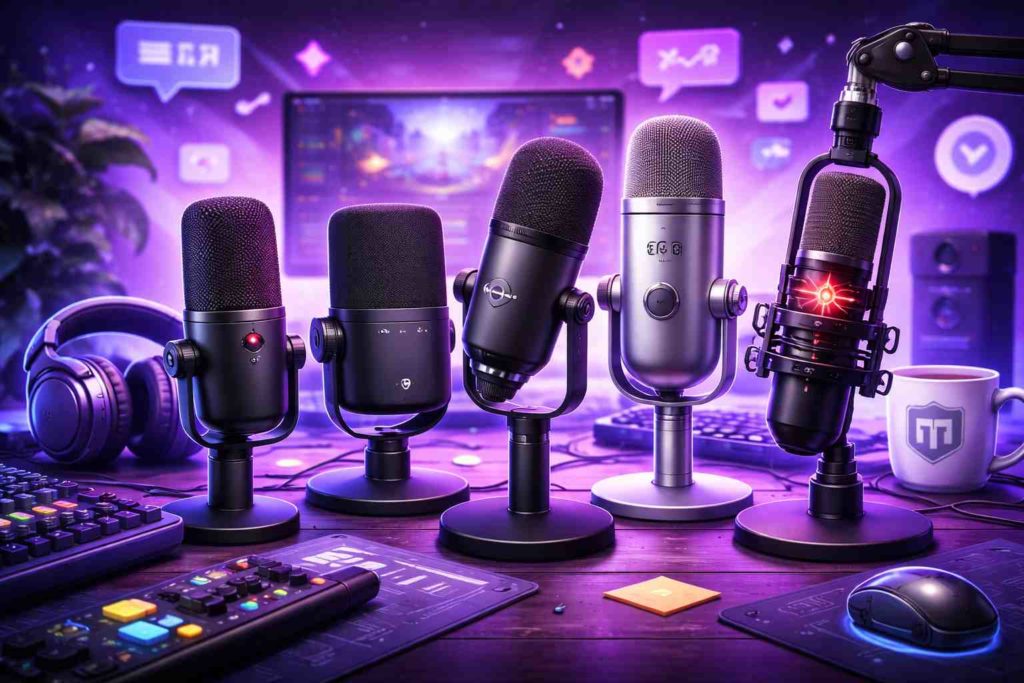
Choosing a microphone almost always starts with the wrong question. People usually ask: “which one is better,” “what should I buy for streaming,” or “what do streamers use.” But the problem is that a microphone is not just a device. It’s part of the environment you stream in. And if you choose it without considering that environment, it will start getting in the way — even if it’s good on its own.
That’s why the same microphone can sound perfect for one streamer and terrible for another. It’s not about the model — it’s about the context in which it’s used.
Why an “Expensive Microphone” Doesn’t Mean Good Sound
There’s a common belief that the more expensive the microphone, the better the result. In practice, this is often not true. Especially on Twitch, where streaming happens in real time, not in a studio environment.
Condenser microphones, which are often recommended, do produce a more “clean” sound. But they also pick up everything around you: keyboard noise, mouse clicks, room echo, computer fans. In an untreated room, this quickly becomes a problem.
Dynamic microphones, on the other hand, reduce background noise but require you to speak closer. That’s why many streamers eventually switch to them — not because they are “better,” but because they are more stable in real conditions.
The streaming community often points this out: dynamic models like the Samson Q2U or ATR2100x are better suited for regular rooms because they capture less background noise.
Why USB Is the Best Choice for Beginners
There are two types of connections: USB and XLR. And beginners often make an unnecessary move — trying to start with XLR “for the future.”
But XLR is not just a microphone. It requires an audio interface, cables, setup, and understanding of sound. Without that, it doesn’t provide real advantages.
USB microphones connect directly and already deliver solid results. Modern models easily cover streaming needs without extra equipment. In fact, many of them are already close to studio-level quality.
So at the start, USB is not a compromise — it’s the right decision.
Why It’s Not Just About “What You Buy,” but “How It Sounds for You”
One of the most overlooked factors is how the microphone interacts with your room. Even a good microphone can sound bad if:
- — there are many empty walls
- — there is echo
- — your PC is noisy
- — the microphone is too far away
And on the other hand, even a simple microphone can sound good if it’s placed close and properly adjusted.
So choosing a microphone is not just about the model — it’s about understanding how you will use it.
Microphones That Actually Work Well for Twitch
There are several models consistently used by streamers because they provide reliable results without complex setup.
HyperX QuadCast — one of the most popular streaming microphones. It works well out of the box, includes a built-in shock mount, and has a convenient mute button. It’s often chosen for Twitch because it combines sound quality with visual appeal.
Blue Yeti USB Mic — a classic that is still widely used. A versatile microphone with multiple pickup patterns. Good for experimenting with formats, but requires careful setup to avoid picking up extra noise.
Shure MV7 USB/XLR — a more professional option. Can be used via USB and later upgraded to XLR. Delivers a more “broadcast” sound but needs more attention in setup.
Rode NT-USB Mini — compact and very stable. A strong balance between price and quality. Ideal for those who don’t want to deal with complex settings.
HyperX SoloCast 2 — a budget-friendly but reliable option. Often used as a first microphone because it delivers decent sound with minimal setup.
Other popular choices among streamers include Elgato Wave:3 and Rode PodMic USB — both stand out for ease of use and built-in sound control features.
Why Microphone Appearance Matters More Than You Think
On Twitch, your microphone is part of the frame. Viewers see it — sometimes even before they fully focus on your voice.
This doesn’t mean you need RGB or flashy design. But visual perception still matters. A clean, intentional setup feels more “put together.”
And on the other hand, a random microphone on the desk can create a sense of mess, even if the sound is fine.
Why the Best Microphone Is the One That Doesn’t Get in the Way
There’s an important factor that rarely gets discussed: your microphone should not distract you.
If you constantly think:
- — is it positioned correctly
- — is there noise
- — is it too quiet
- — can people hear my keyboard
then it was the wrong choice.
A good microphone is one you forget about during the stream. It just works.
And that matters much more than small differences in sound quality that viewers likely won’t even notice.
What Actually Matters When Choosing a Microphone
Not maximum specs.
Not general “best microphone” advice.
Not price as the main factor.
But your real scenario: where you stream, how noisy your space is, how you speak, and how important simplicity is to you.
Because a Twitch microphone is not about sound in isolation.
It’s about how comfortable it is for you to speak — and how easy it is for viewers to listen.